


 Github Stars:
 Last Commit:
  Created:



Overview
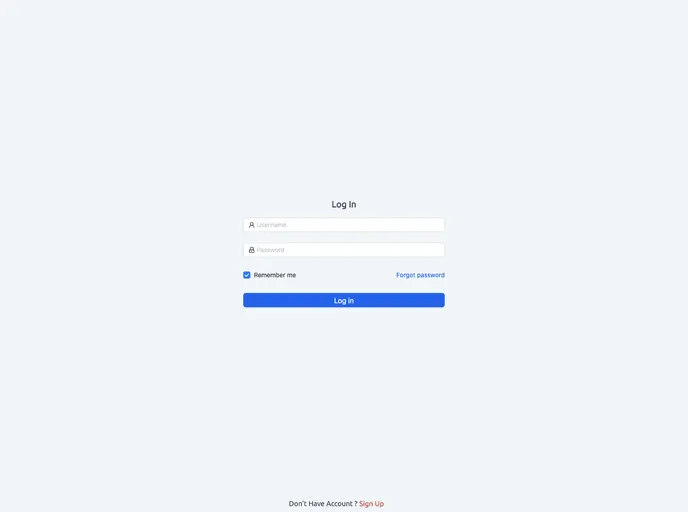
The Project Admin Panel is an admin panel designed for practicing React.js, TypeScript, Supabase, and Ant Design (Antd). It provides a responsive design for improved mobile viewing, dark mode for an enhanced visual experience, email authentication through Supabase for secure user authentication, and utilizes Ant Design for UI components. The panel also includes features such as table pagination for convenient data navigation, charts for effective data visualization, data storage in Supabase, and CRUD operations for users, blogs, and products.
Features
- Responsive Design: Provides an improved mobile viewing experience.
- Dark Mode: Enhances the visual experience with a dark theme.
- Email Authentication: Utilizes Supabase for secure user authentication.
- Ant Design: Uses Ant Design for UI components.
- Table Pagination: Allows for convenient data navigation within tables.
- Charts: Implements charts for effective data visualization.
- Data Storage: Stores data in Supabase and retrieves it using RTK Query.
- CRUD Operations: Supports Create, Read, Update, and Delete operations for users, blogs, and products.
Installation
To run the Project Admin Panel locally, follow these steps:
- Clone the project to your local machine.
- Navigate to the project directory.
- Install the project dependencies.
- Start the server.
git clone <repository_link>
cd project-directory
npm install
npm start
Summary
The Project Admin Panel is a React.js-based admin panel that offers a range of features aimed at improving the development skills of React.js, TypeScript, Supabase, and Ant Design. With its responsive design, dark mode, and email authentication capabilities, it provides an enhanced user experience. It also utilizes popular libraries like Ant Design for UI components and implements features such as table pagination, charts for data visualization, and CRUD operations. By following the installation guide, developers can easily set up and explore the capabilities of the Project Admin Panel locally.

































































