


 Github Stars:
 Last Commit:
  Created:



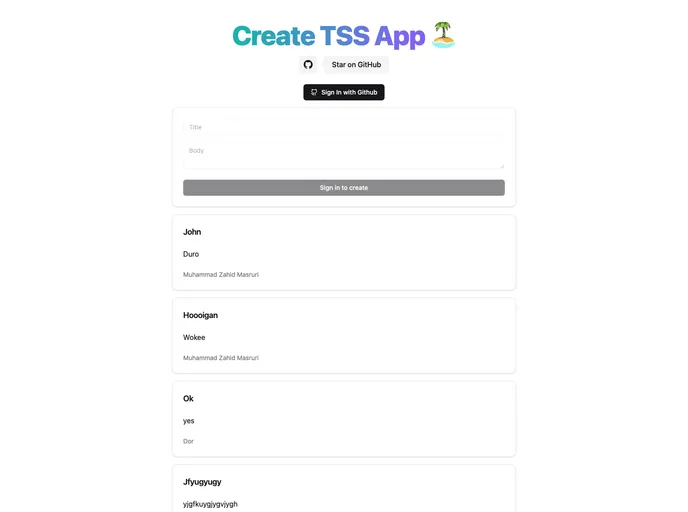
Overview
The TSS App represents a solid starting point for developers looking to implement a web application utilizing modern technologies. Built on Tanstack Start, this starter project integrates several cutting-edge tools that streamline both the development process and user experience. With a strong emphasis on authentication, API route structure, and UI design, it’s an exemplary blueprint for anyone aiming to harness the power of tRPC and Tailwind CSS.
As you delve into this project, you’ll find it not only comprehensive in its architecture but also flexible enough to allow customization. From GitHub authentication setup to managing local and remote databases, the TSS App provides a solid foundation for expanding your web development skills.
Features
- Modern Tech Stack: Built with Tanstack Start, Tailwind CSS, and tRPC, ensuring a responsive and modern web experience.
- Authentication Handled: Leveraging Lucia Auth for easy GitHub integration, streamlining user management and login processes.
- Flexible Database Configuration: Drizzle config allows the project to handle local, remote, and local-replica databases effortlessly.
- User-Friendly API Routes: Inspired by industry best practices, the API structure promotes modularity and ease of use for authentication and data retrieval.
- CSS Management: Preemptive resolution of CSS flickering on hard refreshes improves user experience and visual performance.
- Customizable UI: Utilizing shadcn/ui for a robust and attractive interface that is easy to tailor to fit unique project needs.
- Redirect Handling: Implementation of a custom useMutation hook to enhance redirect management within application flows.
- Environment Variable Setup: Clear and concise instructions for configuring necessary environment variables to run the application seamlessly.































































