


 Github Stars:
 Last Commit:
  Created:



Overview
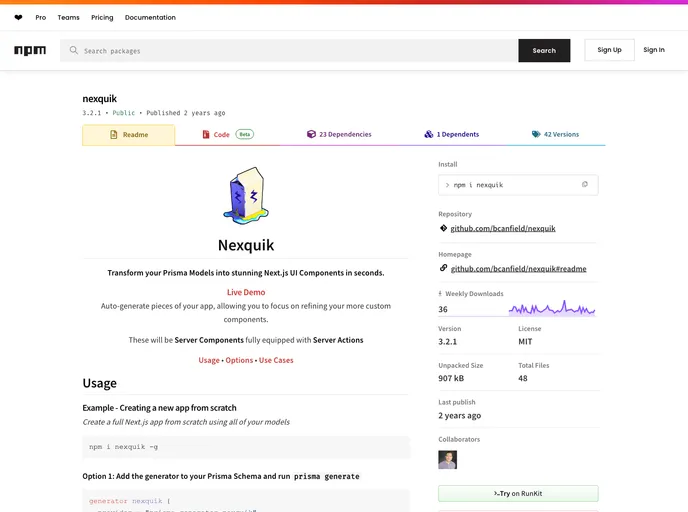
Nexquik is a powerful tool designed to streamline the development of Next.js applications, especially for those using Prisma as an ORM. The ability to create a new app from scratch or integrate it into an existing project makes Nexquik versatile and user-friendly. It automates the generation of UI elements based on your Prisma models, thus reducing manual coding and allowing developers to focus on building features rather than boilerplate code.
With features that cater to both new and experienced developers, Nexquik simplifies the initialization process and ensures that any changes made to your models are automatically reflected in the UI. This dynamic approach to development fosters an efficient workflow and takes advantage of community-driven enhancements, keeping your project up to date.
Features
Seamless Initialization: Easily initializes a full Next.js app from scratch with a simple command, simplifying the setup process for new projects.
Model Integration: Automatically generates UI components based on your Prisma models, ensuring consistency and reducing manual coding efforts.
Dynamic Updates: Keeps your UI in sync with your Prisma models whenever changes are made, thanks to the generator being integrated into the schema.
Customizable Outputs: Offers various options for outputs, allowing you to define specific paths for your project directory and schema file as needed.
Selective Model Creation: The
--extendOnlyoption enables the creation of only specified models, preserving previously created components and speeding up the development process.Prisma Import Flexibility: Allows you to specify a custom location for your Prisma client import if it differs from the standard setup, providing greater flexibility in project structure.
Recursion Depth Control: Provides a
--depthoption to manage the maximum recursion depth for models, which is useful for handling large data models effectively.Help and Documentation: A straightforward command-line help feature ensures that developers have quick access to guidance and options while using Nexquik.
































































