


 Github Stars:
 Last Commit:
  Created:



Overview
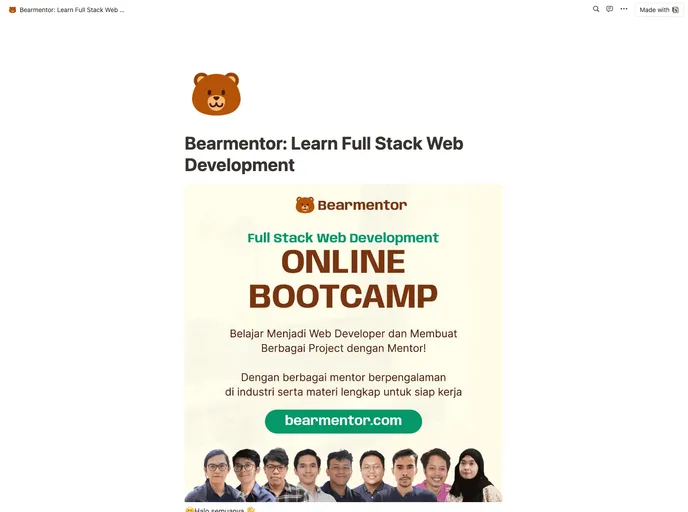
Bearmentor is an open mentoring platform designed for tech and creative professionals to connect and mentor each other. It is an open-source platform with premium options available. The goal of Bearmentor is to provide guidance, teaching, and long-term growth opportunities through mentorship. It allows users to discover mentors and mentees, link social profiles and portfolios for credibility, explore various learning programs, set custom mentorship experiences and goals, and track mentor-mentee relationships. Users can also choose between live or recorded communication and have the option to get paid for mentoring.
Features
The key features of Bearmentor include:
- Discovering mentors and mentees
- Linking social profiles, portfolios, projects, and products for credibility
- Exploring various learning programs or services offered by mentors
- Filtering for serious commitment through initial discussions
- Setting custom mentorship experiences and achievable goals
- Getting paid to mentor with self-compensation rates (public or private)
- Choosing between live/sync or recorded/async communication
- Long-term tracking of mentor-mentee relationships
Installation
To install Bearmentor, follow these steps:
- Read the Remix Docs to understand the Remix framework.
- If you are new to Remix, focus on the basics and read the “Super Simple Start to Remix” guide.
- If you are experienced, you can integrate other tools such as Prisma ORM and MySQL database. Read the “Blog Tutorial” (short) and “App Tutorial” (long) for more information.
- Make sure you have TypeScript, React, Remix, React Router, Tailwind CSS, Radix UI, shadcn UI, Tabler Icons, Prisma, PlanetScale, MySQL, and Vercel installed.
- Create a .env file from the example .env file provided.
- If you are developing locally, configure the required environment variables (DATABASE_URL and SESSION_SECRET) in the .env file. If you are deploying the project, configure these variables in the project settings.
- Create a PlanetScale account and generate a MySQL instance for development. Copy the full DATABASE_URL from the PlanetScale dashboard and paste it into the .env file.
- Generate a random string for the SESSION_SECRET using the command “openssl rand -base64 32” in the terminal.
- Install the recommended VS Code extensions listed in .vscode/extensions.json for an improved workflow.
- Use pnpm as a replacement for npm to improve productivity. Make sure pnpm is installed.
Summary
Bearmentor is an open mentoring platform that aims to provide a platform for tech and creative professionals to mentor and learn from each other. It offers a wide range of features such as mentor and mentee discovery, credibility linking, learning program exploration, personalized mentorship experiences, and long-term tracking. With its open-source nature and premium options, Bearmentor strives to create a supportive environment for mentorship and growth in the tech and creative industries.
































































