


 Github Stars:
 Last Commit:
  Created:

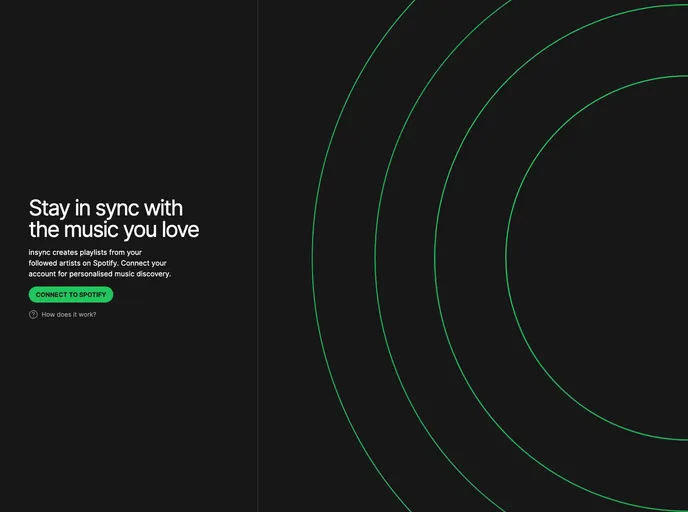
Overview:
Insync is a music playlist creation tool that utilizes the most popular music from the artists you follow. By connecting your Spotify account, you can rediscover all your favorite tracks in curated playlists. This tool is open source and encourages user contributions for adding new features or fixing any issues.
Features:
- Playlist Creation: Insync creates playlists using the most popular music from your followed artists on Spotify.
- Spotify Integration: Connect your Spotify account to Insync to rediscover all your favorite tracks.
- Open Source: Insync is an open source tool, allowing users to contribute to its development and improvement.
- Contribution: Users can submit pull requests or issues to suggest new features or report bugs.
- Built by Ben and Eemeli: Insync was developed by Ben and Eemeli.
Installation:
To install Insync, follow these steps:
- Clone the Insync repository from github.com to your local machine.
- Ensure you have Node.js installed.
- Navigate to the cloned Insync repository in your terminal.
- Run
npm installto install the required dependencies. - Create a new file named
.envin the root directory of the project. - In the
.envfile, add your Spotify API credentials:SPOTIFY_CLIENT_ID=your_client_id SPOTIFY_CLIENT_SECRET=your_client_secret - Save and close the
.envfile. - Run
npm startto start the Insync application. - Open your web browser and navigate to
http://localhost:3000to access Insync.
Summary:
Insync is a music playlist creation tool that leverages your Spotify account to generate playlists based on your followed artists. Its integration with Spotify allows users to easily rediscover their favorite tracks. Additionally, as an open source tool, Insync welcomes contributions from users to enhance its features and resolve any issues. Insync was developed by Ben and Eemeli.

































































