


 Github Stars:
 Last Commit:
  Created:


Overview:
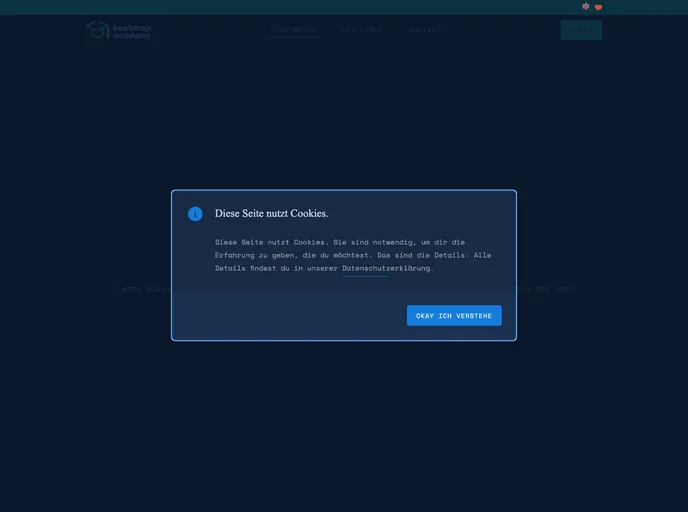
The Bootstrap Academy Admin Dashboard is an internal admin dashboard specifically designed for the Bootstrap Academy project. It provides a user-friendly interface for managing and monitoring the various aspects of the project. Whether it is submitting bug reports or feature requests, or simply accessing general information about the project, this admin dashboard serves as a centralized platform.
Features:
- Bug Report and Feature Request Submission: Users can easily submit bug reports and feature requests through the admin dashboard, ensuring that project issues are addressed promptly.
- Project Information Access: The admin dashboard provides access to general information about the project, making it convenient for users to gather relevant details.
- Development Setup Assistance: Users are guided through the installation process of Node.js and npm, along with instructions on how to clone the repository and set up a development server.
Installation:
To install the Bootstrap Academy Admin Dashboard, follow these steps:
- Install Node.js and npm on your system if you haven’t already.
- Clone the repository from the specified location.
- Navigate to the cloned repository directory using the command line interface.
- Run
npm installto install all the necessary dependencies. - Finally, use
npm run devto start the development server listening onhttp://localhost:3000/.
Summary:
The Bootstrap Academy Admin Dashboard is a powerful tool for managing and monitoring the Bootstrap Academy project. With its user-friendly interface and key features like bug report submission, feature request submission, and easy access to project information, this admin dashboard streamlines the project management process. By following the provided installation instructions, users can quickly set up the admin dashboard and start leveraging its benefits.


































































