


 Github Stars:
 Last Commit:
  Created:
Overview
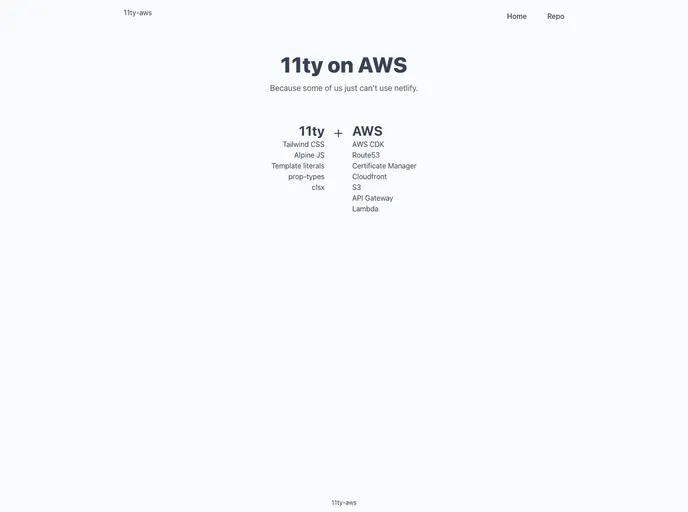
This article discusses the use of 11ty-aws11ty, Alpine, and Tailwind on AWS to create a full-stack JavaScript application. The stack aims to minimize context switching and provide a unified ingress for both the static site and API Gateway using CloudFront. The article also includes instructions for getting started with the stack, suggestions for VSCode plugins, and a flow diagram.
Features
- Full-stack JavaScript development
- Minimal context switching
- CloudFront as a unified ingress for static site and API Gateway
- Support for API integration
- Use of AWS CDK (Cloud Development Kit) for infrastructure deployment
- Integration with 11ty, Alpine, and Tailwind
Installation
To install this stack, follow these steps:
- Configure your
awscli. - Update the file
cdk/bin/static-site.tswith your domain name(s). - Update the domain name(s) in
cloudfront/static-rewrite.js. - Run the command
cd cdk && npm run cdk deploy StaticSiteInfrato deploy the infrastructure. - Run the command
npm run buildto build the project. - Run the command
cd cdk && npm run cdk deploy StaticSiteDeployto deploy the static site. - Follow the provided
11tyandaws-cdkcommands for further development and deployment.
Summary
This article introduces the use of 11ty-aws11ty, Alpine, and Tailwind on AWS for full-stack JavaScript development. The stack aims to reduce context switching and provides a unified ingress for both the static site and API Gateway using CloudFront. The article includes instructions for installation and deployment, as well as suggestions for VSCode plugins.



































































