


 Github Stars:
 Last Commit:
  Created:

Overview:
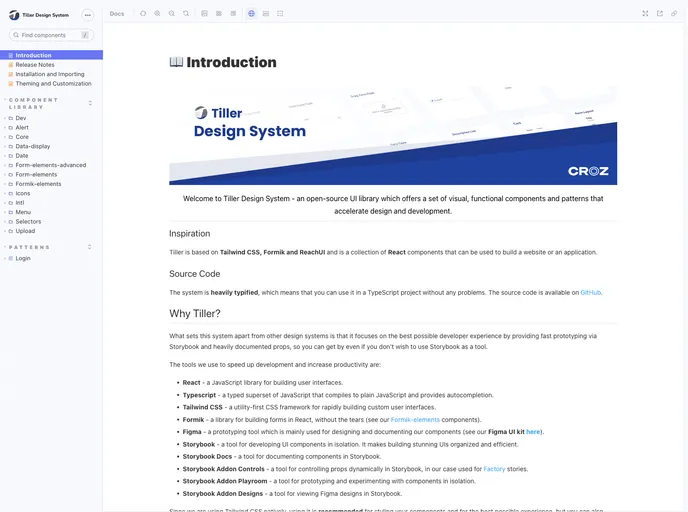
Tiller Design System is an open-source UI library that provides a set of visual, functional components and patterns for design and development. It is focused on back-office applications and is based on Tailwind CSS, Formik, and ReachUI. The design system aims to reduce redundancy, create a shared language, and ensure visual consistency across different pages and channels.
Features:
- A set of high-quality React components out of the box
- Written in TypeScript with predictable static types
- Internationalization support
- Powerful theme customization in every detail
- Storybook (Docs, Controls, Playroom)
- Rich Text Editor
- Login Pattern
Installation:
Installation with Create React App:
- Install node.js
- Install yarn
- Create project with
npx create-react-app my-app-name --template @tiller-ds/cra-template - Run
yarn startcommand to start your project
Installation with Vite:
- Install node.js
- Install yarn
- Create project with
npx create-vite my-app-name --template @tiller-ds/vite-template - Run
yarn devcommand to start your project
Installation with custom project setup:
If you use your own starter, follow these basic steps for Tiller to work:
- Add dependency to
@tiller-ds/themeand other desired modules for your app. - Set up
tailwind.config.jswith a minimal config. - Import Tiller styles in your main CSS file.
- Install packages you’re interested in using, for example,
@tiller-ds/core.
Summary:
Tiller Design System is an open-source UI library that offers a set of visual, functional components and patterns for design and development. It is based on Tailwind CSS, Formik, and ReachUI. The design system aims to provide high-quality React components with predictable static types, internationalization support, powerful theme customization, and various additional features like a rich text editor and login pattern. Tiller Design System can be easily installed with Create React App, Vite, or customized project setups.



































































