


 Github Stars:
 Last Commit:
  Created:
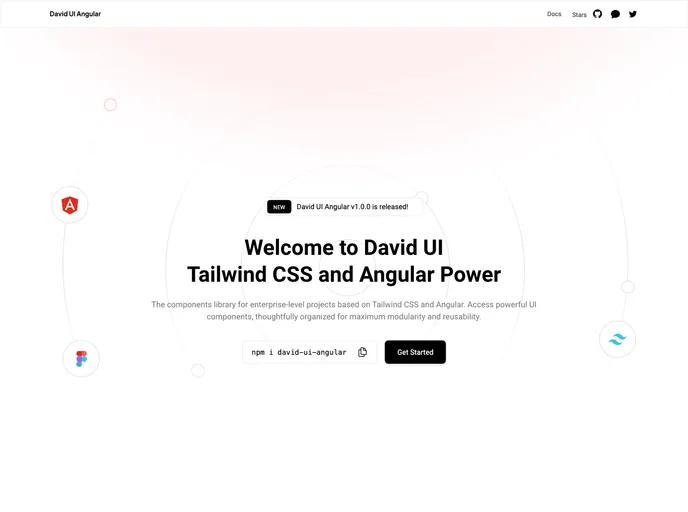
Overview
David UI Angular is a comprehensive Angular framework that utilizes Tailwind CSS to offer a wide range of UI components, making it simple to create visually appealing web applications. It is designed for fast and easy UI development.
Features
- Comprehensive Angular Framework: David UI Angular is built on Angular framework, providing a robust and reliable foundation for building web applications.
- Tailwind CSS Integration: The framework leverages the power of Tailwind CSS, a highly customizable CSS framework, to create stylish UI components.
- Rich Set of UI Components: David UI Angular offers a wide variety of UI components that are ready to use, saving development time and effort.
Installation
To start using David UI Angular, follow these steps:
Install the framework via npm or yarn.
npm install david-ui-angularImport David UI Angular’s styles along with Tailwind CSS and the @angular/cdk styles in your project’s styles.css or styles.scss file.
@import 'david-ui-angular/styles';
@import '@angular/cdk/overlay-prebuilt.css';
Import the david-ui-angular modules into your app.module.ts file.
// app.module.ts
import { DavidUiAngularModule } from 'david-ui-angular';

@NgModule({
  imports: [
    // other imports
    DavidUiAngularModule
  ],
  // ...
})
export class AppModule { }
Use the components in your HTML file.
<david-button>Submit</david-button>Modify the content array in your tailwind.config.js file with the following line:
content: [
  // existing content
  'node_modules/david-ui-angular/**/*.html',
]
For detailed usage and documentation, please refer to the official documentation.
Summary
David UI Angular is a robust Angular framework that integrates Tailwind CSS to provide a rich set of UI components. Its easy installation process and comprehensive features make it a suitable choice for fast and easy UI development.



































































