


 Github Stars:
 Last Commit:
  Created:


Overview:
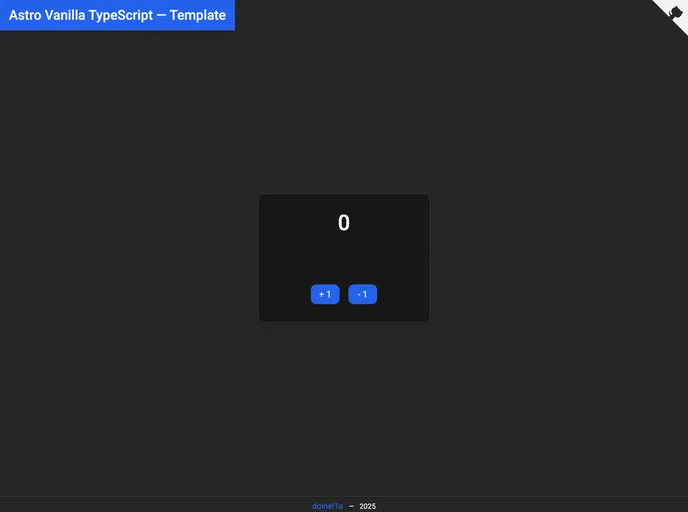
Astro Vanilla TypeScript is a template that provides a development environment with various tools for building web applications. It includes Astro, TypeScript, TailwindCSS, SASS, PostCSS, Playwright, and Vite. The template also offers features like ESLint, Prettier, Husky, and Commitlint to enhance the development experience. The repository provides a guide on how to contribute to the project and maintain the conventional commit format.
Features:
- Astro: The template includes Astro, a static site builder that allows developers to build web applications using familiar tools and frameworks.
- TypeScript: TypeScript is incorporated into the template, enabling developers to write scalable and maintainable JavaScript code with type checking.
- TailwindCSS: TailwindCSS is included in the template, providing a utility-first CSS framework that simplifies the styling process.
- SASS: The template supports SASS, a CSS extension language that enhances the capabilities of CSS.
- PostCSS: PostCSS is integrated into the template, allowing developers to transform CSS with JavaScript plugins.
- Playwright: Playwright is included in the template, providing a high-level API for automating browser actions during development and testing.
- Vite: The template utilizes Vite, a fast development server and build tool that optimizes the development experience.
Installation:
To install and set up the Astro Vanilla TypeScript template, follow these steps:
- Make sure you have Node.js and a JavaScript runtime installed on your machine.
- Optionally, you can use an alternative package manager like PNPM or Yarn instead of npm. Install the package manager globally if needed.
- Get the repository by either clicking the “Use this template” button or forking the repository.
- Clone the repository to your local machine using the command
git clone https://github.com/doinel1a/astro-vanilla-ts YOUR-PROJECT-NAME. - Open your terminal or code editor to the path where your project is located.
- Run the appropriate commands for your package manager:
- To install the dependencies:
npm installfor NPM,pnpm installfor PNPM, oryarn installfor Yarn. - To run the development server:
npm run devfor NPM,pnpm devfor PNPM, oryarn devfor Yarn. - To build your app for production:
npm run buildfor NPM,pnpm buildfor PNPM, oryarn buildfor Yarn. - To preview your production optimized app:
npm run previewfor NPM,pnpm previewfor PNPM, oryarn previewfor Yarn.
- To install the dependencies:
Summary:
Astro Vanilla TypeScript is a template that provides developers with a ready-to-use environment for building web applications. It incorporates various tools like Astro, TypeScript, TailwindCSS, SASS, PostCSS, Playwright, and Vite to streamline the development process. The template also includes features like ESLint, Prettier, Husky, and Commitlint to improve the development experience. By following the installation guide, developers can set up the template and start building their projects with ease.
































































