


 Github Stars:
 Last Commit:
  Created:


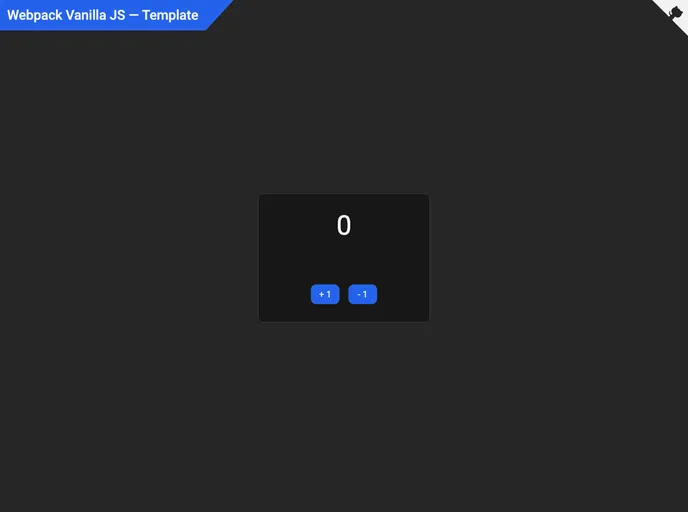
Overview
The Webpack Vanilla JavaScript template is a development starter template designed for front-end developers who want to quickly and easily build modern web applications. It comes pre-configured with several cutting-edge technologies such as JavaScript, TailwindCSS, ESLint, Prettier, Husky, Webpack, Babel, and Core-JS. The template is aimed at enhancing the development experience by providing a hassle-free setup process and efficient development and production builds.
Features
- JavaScript: A programming language for creating dynamic web content and interactive user interfaces.
- TailwindCSS: A utility-first CSS framework that provides predefined classes for common styles and layout patterns.
- SASS: A CSS preprocessor that adds features such as variables, nesting, and mixins to CSS.
- PostCSS: A tool for transforming CSS with JavaScript plugins, improving the development process.
- Fontawesome: A library with over 5000 free icons that can be easily customized and used in web applications.
- Playwright: A library for automating web browser interactions, allowing for the writing of end-to-end tests and browser automation tasks.
- Webpack: A build tool and development server that provides fast and efficient development and production builds.
- ESLint: A tool for enforcing coding standards and identifying potential errors.
Installation
To get started with the Webpack Vanilla JavaScript template, follow these steps:
Prerequisites:
- Install a JavaScript runtime, such as Node.js.
- (Optional) Install an alternative package manager, such as PNPM or Yarn.
Clone the repository:
- Click “Use this template” or “Fork” button, or alternatively clone the repository through your terminal using the command:
git clone https://github.com/doinel1a/webpack-vanilla-js YOUR-PROJECT-NAME
- Click “Use this template” or “Fork” button, or alternatively clone the repository through your terminal using the command:
Open your terminal or code editor and navigate to the project directory.
Install the dependencies:
- If using NPM:
npm install - If using PNPM:
pnpm install - If using Yarn:
yarn install
- If using NPM:
Start the development server:
- If using NPM:
npm run dev - If using PNPM:
pnpm dev - If using Yarn:
yarn dev
- If using NPM:
Build your app for production:
- If using NPM:
npm run build - If using PNPM:
pnpm build - If using Yarn:
yarn build
- If using NPM:
Preview your production optimized app:
- If using NPM:
npm run preview - If using PNPM:
pnpm preview - If using Yarn:
yarn preview
- If using NPM:
Summary
The Webpack Vanilla JavaScript template is a powerful tool for front-end developers looking to streamline their development process. It provides a pre-configured setup with modern technologies such as JavaScript, TailwindCSS, SASS, and PostCSS. Additionally, it includes helpful tools like Fontawesome for easy customization and Playwright for web browser automation. With the build tool and development server provided by Webpack, developers can efficiently create and optimize their web applications. The template also enforces coding standards and identifies potential errors with ESLint. Overall, this template offers a convenient and efficient solution for building modern, fast, and reliable web applications.

































































