


 Github Stars:
 Last Commit:
  Created:




Overview
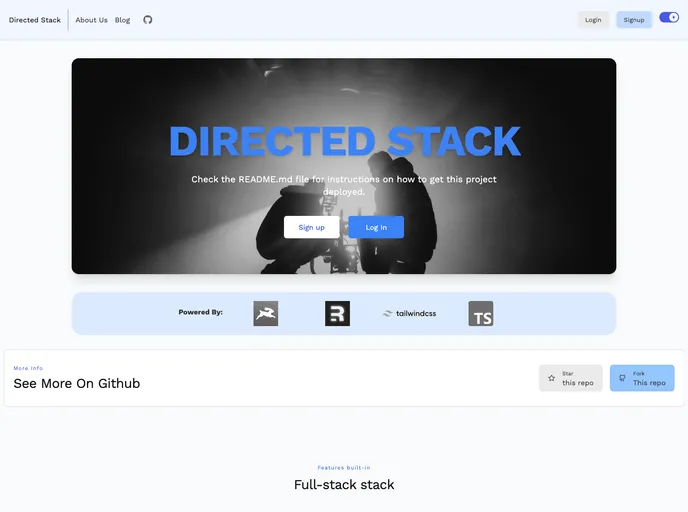
The Directed Stack is a comprehensive stack for web development that includes various features such as healthcheck endpoint, email/password authentication, Directus handling for authentication, blog, pages, and backend storage, styling with Tailwind, markdown rendering by Markdoc, code formatting with Prettier, linting with ESLint, and static types with TypeScript. The stack allows for flexibility and customization, allowing users to fork it, change it, and make it their own.
Features
- Healthcheck endpoint (/api/healthcheck)
- Email/password authentication with cookie-based sessions
- Directus handling for auth, blog, pages, and backend storage
- Styling with Tailwind
- Markdown rendering by Markdoc
- Code formatting with Prettier
- Linting with ESLint
- Static types with TypeScript
Installation
To install the Directed Stack, follow these steps:
Clone the repository:
git clone [repository url]Set up the Directus folder for local development by copying the
.env.examplefile into.envand filling out the necessary fields.Run the following command to start the development environment:
npm start
Summary
The Directed Stack is a robust web development stack that offers a range of features and flexibility. It includes essential functionalities such as authentication, blogging, and styling, along with additional tools for code formatting, linting, and static types. The stack can be easily customized and modified according to individual requirements. Overall, the Directed Stack provides a comprehensive solution for web development projects.































































