


 Github Stars:
 Last Commit:
  Created:


Overview
The Project Management Dashboard is an innovative tool designed to enhance task and project management with a focus on productivity and organization. With its user-friendly interface and a range of powerful features, this dashboard aims to revolutionize how teams collaborate and manage their projects. Whether you’re part of a small team or managing larger projects, this application offers the flexibility and tools required for effective project oversight.
This dashboard emphasizes simplicity while integrating advanced functionalities that cater to various project management needs. From authentication to task manipulation, each feature is thoughtfully crafted to ensure a smooth user experience, making it a valuable addition to any team’s toolkit.
Features
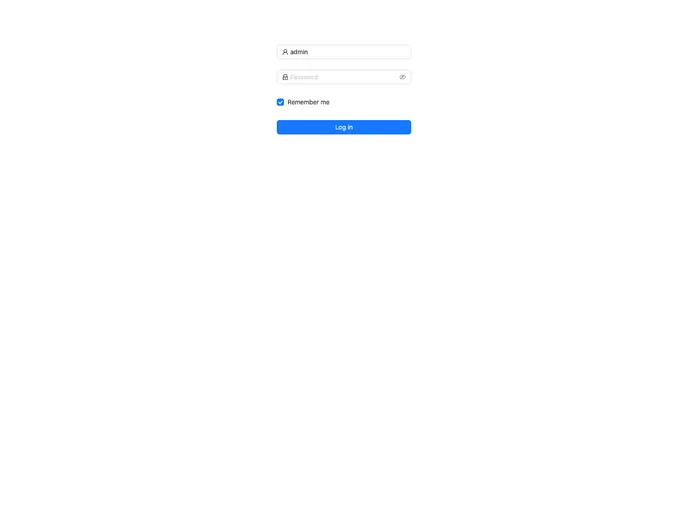
- Authentication Page: Features a visually appealing login form built with Ant Design components and includes mock authentication for testing purposes.
- Projects Overview Page: Displays a dynamically loaded list of projects, with straightforward options to view, edit, and delete them via a mock API.
- Project Details Page: Offers in-depth information on tasks, team members, and activities, along with management tools to add tasks and assign roles seamlessly.
- Task Management: Supports adding, editing, and marking tasks as completed, with details like descriptions and deadlines, along with a drag-and-drop feature for quick status changes.
- Task Filters and Search Functionality: Lets users efficiently filter tasks by status, due date, or assignee, and find tasks quickly using a search bar.
- Interactive Dashboard: Enhances user experience with UI components like modals and dropdowns from Ant Design, while ensuring a responsive design with Tailwind CSS.
- Technical Requirements: Built on Next.js for effective routing and server-side rendering, uses Zustand for state management, and employs React Query for managing data operations efficiently.
- Setup and Installation: Provides clear instructions for cloning the repository, installing dependencies, and starting the development server, making the setup process straightforward.


































































