


 Github Stars:
 Last Commit:
  Created:





Overview:
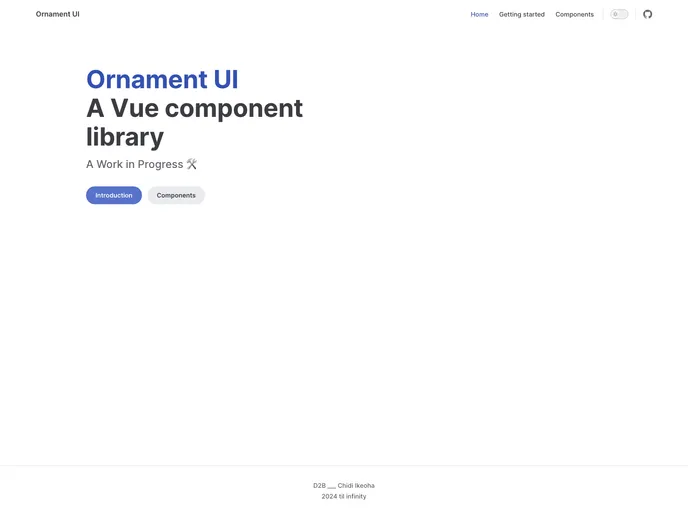
Ornament UI is a UI component library specifically designed for Vue 3. However, it is important to note that this project is still in active development and does not have a v1 release yet. As a result, users can expect some bugs and issues. Ornament UI provides a range of components to enhance the user interface of Vue 3 applications.
Features:
- Comprehensive UI Component Library: Ornament UI offers a wide range of UI components specifically developed for Vue 3, allowing developers to easily enhance their application’s user interface.
- Easy Installation with NPM: To incorporate Ornament UI in your project, NPM is the recommended method. NPM is the package manager used in Ornament’s development and the preferred choice for seamless integration.
- Yarn Installation: Alternatively, users can also install Ornament UI using Yarn, another popular package manager.
- Plugin Integration: Ornament UI can be used as a global plugin, enabling its functionality across all Vue files without the need for individual component registration.
- Global Component Registration: Users can register single components globally with Ornament UI, providing flexible options to suit their project’s needs.
- Component-Level Registration: Ornament UI also allows for component-level registration, giving users more granular control over where and how they incorporate the UI components.
Installation:
To install Ornament UI in your project, you can follow one of the provided methods based on your preference.
NPM Installation:
NPM is the recommended package manager for integrating Ornament UI into your Vue 3 project. Use the following command to install Ornament UI via NPM:
npm install ornament-ui
Yarn Installation:
Users who prefer using Yarn can install Ornament UI by running the following command:
yarn add ornament-ui
Global (Plugin) Registration:
To use Ornament UI as a plugin and enable its functionality globally across all Vue files, follow these steps:
- Import Ornament UI in your
main.jsfile:
import OrnamentUI from 'ornament-ui';
- Use the plugin in your Vue app:
Vue.use(OrnamentUI);
Global (Single Component) Registration:
Similar to the plugin approach, you can also register Ornament UI components globally, providing flexibility on individual component usage. Follow these steps:
- Import the desired component(s) in your
main.jsfile:
import { Button, Input } from 'ornament-ui';
- Register the imported component(s) globally:
Vue.component('OrnamentButton', Button);
Vue.component('OrnamentInput', Input);
Per Component Registration:
For more granular control, you can also register Ornament UI components at a component-level. This approach allows you to selectively use Ornament UI components only where needed. Simply import the desired component(s) in the corresponding component file and utilize them within the template.
Summary:
Ornament UI is a promising UI component library designed specifically for Vue 3. While it is still in active development, it offers a comprehensive set of UI components to enhance the user interface of Vue 3 applications. With easy installation options, including NPM and Yarn, and flexible registration methods at a global or component level, Ornament UI provides developers with the tools they need to create engaging and visually appealing Vue 3 applications.






























































