


 Github Stars:
 Last Commit:
  Created:


Overview:
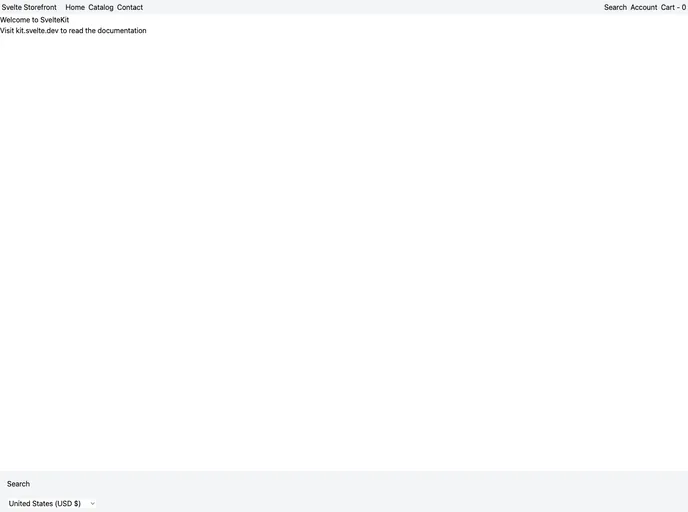
The Svelte Storefront is a project that aims to bring the features of Shopify’s Hydrogen storefront to the Svelte world. It is designed to be a boilerplate/template that simplifies the process of building a personalized Shopify storefront using Sveltekit.
Features:
- SSR (Server-Side Rendering) for superior SEO and initial load performance
- Style-Free with no predefined styles, allowing for the creation of a unique storefront design
- Utilizes the Tailwind CSS framework for lean and fast frontend development
- Engineered for high-speed performance and optimal user experience
- Optimized with best practices for efficient resource utilization
- Features a clean and maintainable codebase
Installation:
To get started using the Svelte Storefront, make sure you have the following prerequisites:
- Node.js installed (preferably the latest version)
- A Shopify account and a store to work with
- Basic understanding of Svelte and JavaScript/TypeScript
Follow these steps to install the Svelte Storefront:
- Clone the repository
- Install the required dependencies using your preferred package manager (recommended: pnpm)
- Create a .env file in the root of the project and fill in the required variables (refer to the provided .env.example file for guidance)
- Run the project locally
- Start building your storefront
Please note that there is more detailed documentation available, and it will be provided soon.
Summary:
The Svelte Storefront is a project that aims to bring the features of Shopify’s Hydrogen storefront to the Svelte world. It offers a range of key features including SSR, style flexibility, Tailwind CSS integration, and optimized performance. The installation process is straightforward, and the project provides a clean and maintainable codebase for building a personalized Shopify storefront using Sveltekit. More documentation will be available in the future.
































































