


 Github Stars:
 Last Commit:
  Created: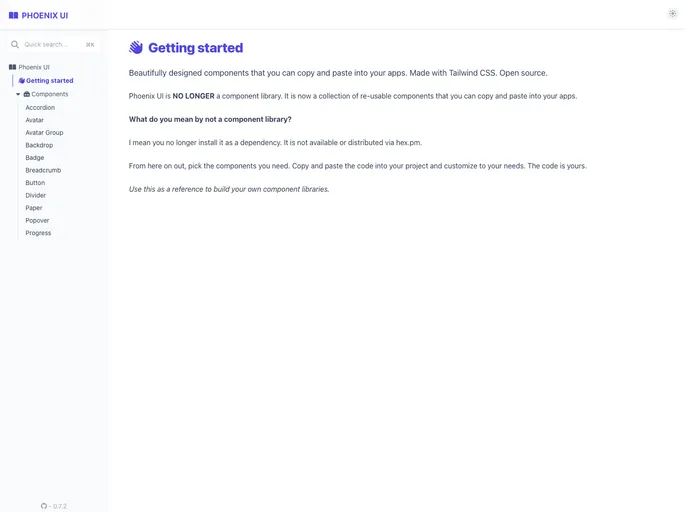
Overview:
Phoenix UI is a complimentary UI library specifically designed for the Phoenix Framework and Phoenix LiveView. It provides a collection of user interface components that can be easily integrated into Phoenix projects. In order to use Phoenix UI, you need to have Phoenix 1.6 installed in your project.
Features:
- Tailwind CSS Integration: Phoenix UI works seamlessly with Tailwind CSS, allowing you to easily set up and configure Tailwind in your Phoenix project.
- Hex Package: Phoenix UI is available as a package on Hex, making it easy to install and manage as a dependency in your project.
- Extensive Documentation: The package comes with comprehensive documentation available at https://hexdocs.pm/phoenix_ui, providing clear instructions and examples on how to use the various components.
Installation:
To install Phoenix UI, follow these steps:
- Ensure that your Phoenix project is using Phoenix 1.6 or higher.
- Set up Tailwind CSS in your Phoenix project by referring to the official guide.
- Add the Phoenix UI package as a dependency in your project’s
mix.exsfile by includingphoenix_uiin the list of dependencies.Replacedefp deps do [ {:phoenix_ui, "~> x.x.x"} ] endx.x.xwith the desired version of Phoenix UI. - After adding the dependency, run
mix deps.getto fetch the package. - Once the package is installed, you can import Phoenix UI components in your Phoenix application’s
view_helpersfunction. Here’s an example:These components can now be used in your Phoenix LiveView templates.def view_helpers do quote do ... import Phoenix.UI.Components ... end end
Summary:
Phoenix UI is a valuable UI library that enhances the development experience of Phoenix Framework and Phoenix LiveView projects. With its Tailwind CSS integration, easy installation process, and well-documented components, it provides developers with a convenient way to create beautiful and responsive user interfaces.



































































