


 Github Stars:
 Last Commit:
  Created:





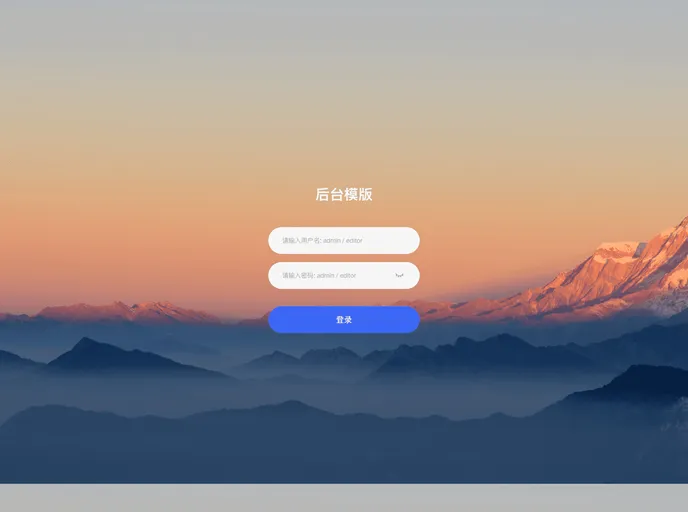
Overview:
The Vue3 template is a popular tool used for creating and developing web applications. It is built on the Vue.js framework which makes it easy to use and highly efficient. This template provides a solid foundation for building scalable and robust web applications with Vue.js.
Features:
- Efficient Development: The Vue3 template offers a seamless development experience with its easy-to-use syntax and intuitive UI. Developers can quickly build and test their applications without any hassle.
- Component-Based Architecture: Vue3 template follows a component-based architecture which allows modular development and reusability of code. This makes it easier to manage and maintain large-scale projects.
- Advanced State Management: With VueX integration, the template provides advanced state management capabilities. It enables developers to easily manage the application’s state and ensures seamless data flow between components.
Installation:
To install the Vue3 template, follow the steps below:
Step 1: Ensure that you have Node.js installed on your system. You can download and install it from https://nodejs.org.
Step 2: Once Node.js is installed, open your terminal or command prompt and run the following command to install the Vue CLI:
npm install -g @vue/cli
- Step 3: After the Vue CLI is installed, navigate to the directory where you want to create your project and run the following command:
vue create my-app
Step 4: You will be prompted to select a preset for your project. Choose the default preset or manually select the features you want to include. Press Enter to proceed.
Step 5: Once the project is created, navigate to the project directory:
cd my-app
- Step 6: Finally, run the following command to start the development server:
npm run serve
Now, you have successfully installed the Vue3 template and can start developing your web application.
Summary:
The Vue3 template is an efficient and powerful tool for developing web applications using the Vue.js framework. It offers features like efficient development, component-based architecture, and advanced state management. By following the installation guide, developers can quickly set up the template and start building scalable and robust web applications.





























































