


 Github Stars:
 Last Commit:
  Created:



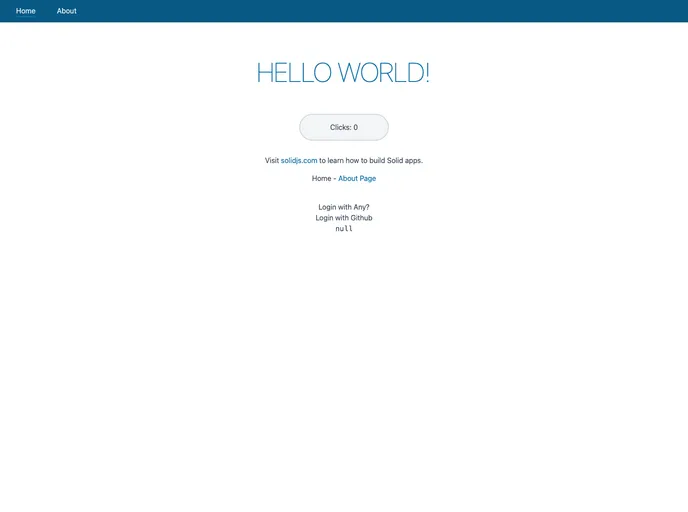
Overview:
SolidStart is a development framework that provides everything necessary to build a Solid project. Powered by solid-start, this framework offers a comprehensive set of tools and features for seamless project development and deployment.
Features:
- Comprehensive Toolset: SolidStart offers a wide range of tools to facilitate project development, including adapters for optimizing deployment across different environments.
- Easy Project Creation: The framework makes it simple to create a project and install dependencies using npm, pnpm, or yarn.
- Development Server: SolidStart provides a development server, allowing developers to preview and test their projects during the development process.
- Adapters for Deployment: The framework offers adapters that optimize projects for different deployment environments. Developers can easily select and configure the appropriate adapter through the package.json and vite.config.js files.
Installation:
To install and use SolidStart, follow these steps:
- Create a new project by running the following command:
npm init
- Install the required dependencies using either npm, pnpm, or yarn:
npm install [dependency-name]
- Start the development server by running the following command:
npm run dev
- To build the Solid app for deployment, run the following command:
npm run build
Note: By default, the build command generates a Node app that can be run with npm start. If you want to use a different adapter for deployment, add it to the devDependencies in the package.json file and specify it in the vite.config.js file.
Summary:
SolidStart is a powerful development framework that provides all the necessary tools for building and deploying Solid projects. It simplifies the project creation process, offers a development server for testing, and includes adapters for optimizing deployment across different environments. With SolidStart, developers can focus on building their projects without worrying about the intricate details of project setup and configuration.





























































