


 Github Stars:
 Last Commit:
  Created:




Overview:
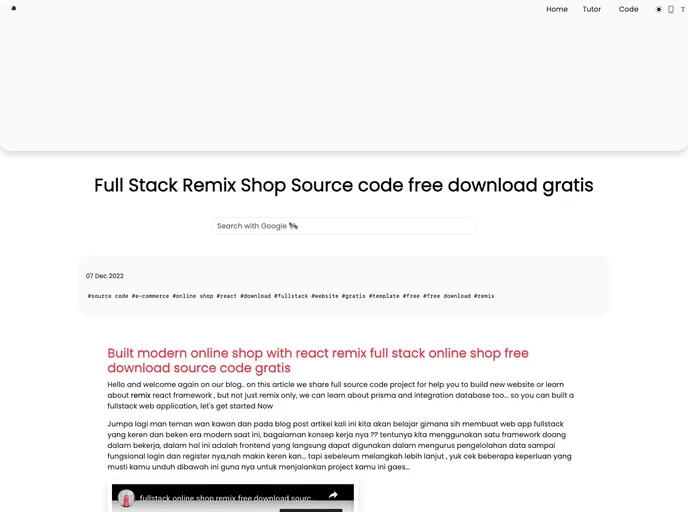
The Remix Fullstack Online Shop Starter is a comprehensive solution for creating an online shop. It includes features such as a home page, product list page, product details, login area, and backend product creation. With its user-friendly design and integration with popular payment gateways, this starter template provides a seamless shopping experience for both customers and shop owners.
Features:
- Demo with login page + payment gateway: Try out the fully functional demo of the online shop with a login page and integrated payment gateway.
- Documentation: Access detailed documentation that provides instructions on how to use and customize the Remix Fullstack Online Shop Starter.
- Video Tutorial: Watch a video tutorial that demonstrates the features and functionality of the online shop.
Installation:
To install the Remix Fullstack Online Shop Starter, follow these steps:
- Clone the project repository from GitHub.
- Navigate to the project directory in your terminal.
- Install the required dependencies by running the following command:
npm install
- Configure the environment variables, such as the API keys for the payment gateway, in the
.envfile. - Start the development server by running the following command:
npm run dev
- Open your browser and access the online shop at
http://localhost:3000.
Summary:
The Remix Fullstack Online Shop Starter is a powerful solution for building an online shop with a seamless user experience. It offers a range of features, including a login area, product listing, and product details. With easy installation steps and comprehensive documentation, developers can quickly create and customize their own online shop using this starter template.






























































