


 Github Stars:
 Last Commit:
  Created:
Overview:
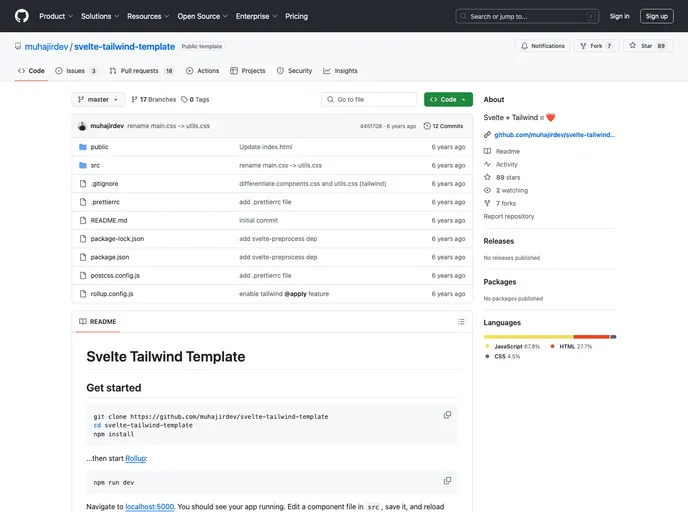
The Svelte Tailwind Template is a web development template that combines the Svelte framework with the Tailwind CSS utility framework. It allows developers to quickly set up a project and start building web applications.
Features:
- Svelte framework: Allows for efficient and reactive web app development.
- Tailwind CSS: Provides a comprehensive set of utility classes for quickly styling components.
- Live reloading: Any changes made to a component file will be automatically detected and reflected in the running app.
- Easy deployment: Provides options for deploying the app to the web using Now or Surge.
Installation:
To install the Svelte Tailwind Template, follow these steps:
Install Rollup by running the following command in your terminal:
npm install --global rollupNavigate to the project folder and start Rollup by running the following command:
rollup -c -wOpen your web browser and go to
localhost:5000to see your app running.To make changes to a component file, navigate to the
srcfolder and edit the desired file. Save the file and reload the page in your browser to see the changes.
Summary:
The Svelte Tailwind Template is a useful development template that combines the Svelte framework with the Tailwind CSS utility framework. It provides an easy way to set up a web development project and offers features such as live reloading and easy deployment options. By following the installation guide, developers can quickly start building web applications using this template.



































































