


 Github Stars:
 Last Commit:
  Created:


Overview:
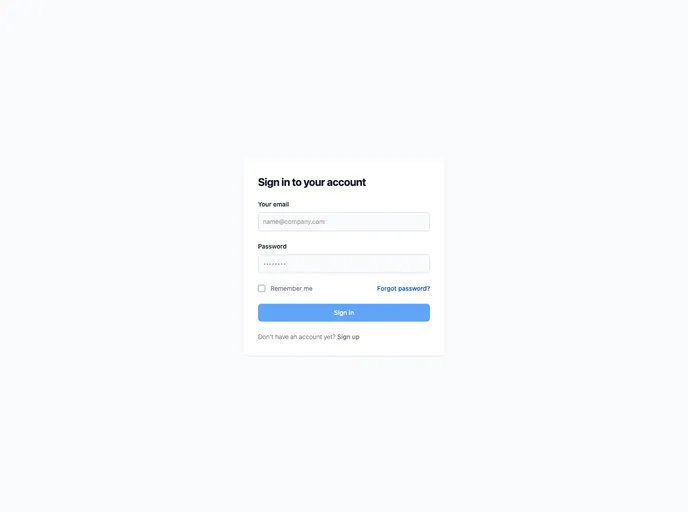
This product is a Next.js project that is bootstrapped with create-next-app. It allows developers to easily create and run a Next.js development server. The project includes features such as auto-updating pages, API routes, and automatic optimization and loading of a custom Google Font.
Features:
- Development Server: Run the development server to view and edit the project on http://localhost:3000.
- Page Editing: Modify the pages/index.js file to edit the page content, which will auto-update on the browser.
- API Routes: Access API routes on http://localhost:3000/api/hello, with the ability to customize this endpoint in pages/api/hello.js.
- API Directory: The pages/api directory is mapped to /api/*, treating files in this directory as API routes instead of React pages.
- Font Optimization: The project uses next/font to automatically optimize and load Inter, a custom Google Font.
Installation:
To install and run this Next.js project, follow these steps:
- Clone the project repository to your local machine.
- Open a terminal window and navigate to the project directory.
- Run the following command to install the project dependencies:
npm install
- Once the installation is complete, run the development server using the following command:
npm run dev
- Open your preferred web browser and visit http://localhost:3000 to see the project in action.
- Start editing the pages/index.js file to modify the page content, with the page automatically updating as you make changes.
- Access API routes on http://localhost:3000/api/hello by customizing the endpoint in pages/api/hello.js.
Summary:
The Next.js project offers a convenient way to bootstrap a web application using Next.js. It provides features such as a development server, API routes, and automatic font optimization. By following the installation guide, developers can quickly set up the project on their local machine and begin customizing the pages and API routes to suit their needs.


































































