


 Github Stars:
 Last Commit:
  Created:

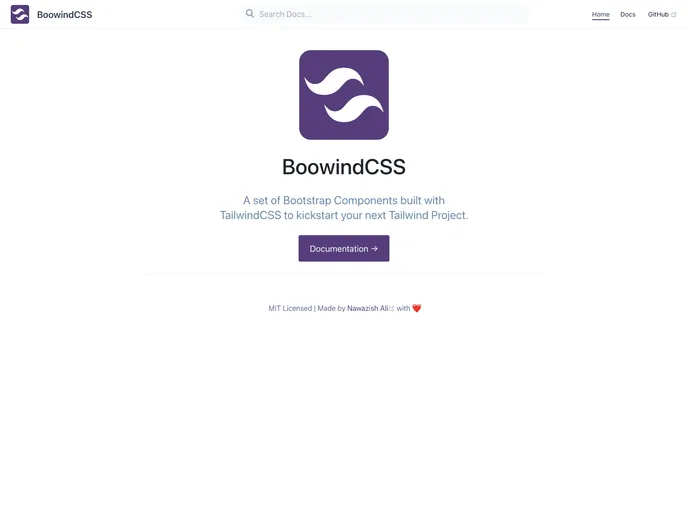
Overview
This article provides a guide on how to use and configure TailwindCSS for your project. It also offers templates that can be copied and pasted into your project, with the option to customize them as desired. However, it’s important to note that this guide is a work in progress, so not all components may be available and there may be missing steps in the usage guide. The author plans to set up a roadmap and track progress by creating issues in the future.
Features
- TailwindCSS Configuration: Learn how to configure TailwindCSS for your project.
- Copy & Paste Templates: Access a variety of templates that can be easily copied and pasted into your project.
- Customize Templates: Feel free to modify the templates to match your project’s requirements.
Installation
To use TailwindCSS and benefit from the provided templates, follow these steps:
- Make sure you have TailwindCSS properly configured for your project.
- Visit the BoowindCSS docs website.
- Copy and paste the desired templates into your project.
- Customize the templates to suit your project’s specific needs.
Summary
This article serves as a guide for using and configuring TailwindCSS. It offers a collection of templates that can be easily incorporated into your project via copy and paste. However, it’s important to note that the guide is still a work in progress, with some components potentially missing and steps in the usage guide yet to be added. Nevertheless, the author plans to continually update the guide and track progress through the creation of issues.


































































